Getting Started: Your First Build
The Build Planner works fully without an account. This guide walks through every section in order, so you can build a complete character start to finish before deciding whether to create one.
Player
Start on the Character tab and set your faction and career. These choices ripple through the rest of the build: your career determines which Personal Traits and abilities are available to you later, and your faction determines which ships and some traits you can pick.
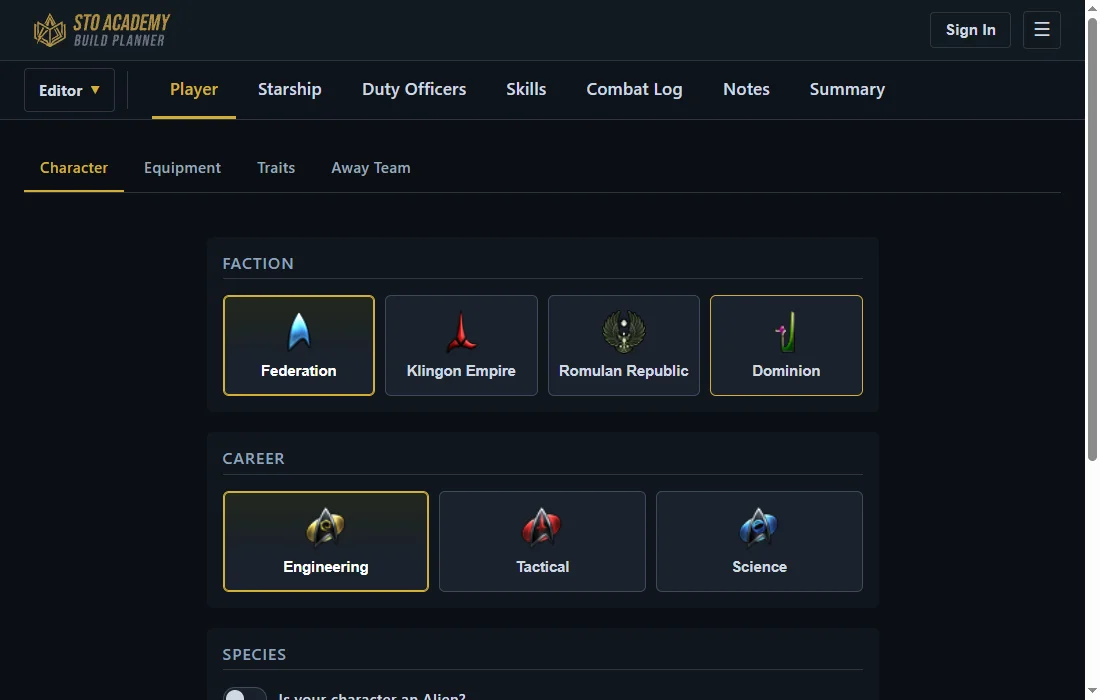
Equipment covers your ground gear: kit, kit modules, body armor, personal shield, ground weapon, and devices. Traits covers your Personal, Reputation, and Starship traits.
Away Team is where you set up your four ground Bridge Officers. Each one needs a career assigned before you can equip their ground abilities, same as a starship seat needs a specialization.
Starship
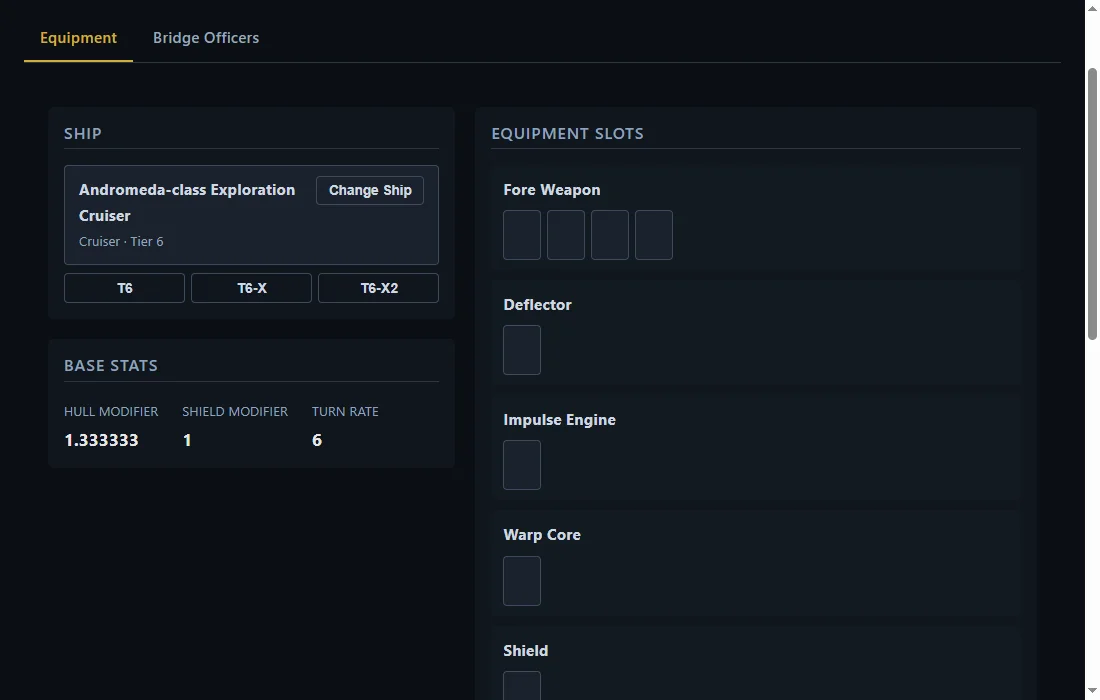
Pick your ship first. Once it's selected, Equipment shows every slot that ship actually has (fore and aft weapons, deflector, engines, shields, core, devices, and consoles), and Bridge Officers shows its actual seat layout, rank and specialization included. Switching ships later resets the ship's upgrade level, since a different ship's upgrade path doesn't carry over.
Duty Officers
A separate roster from Bridge Officers, split into Space and Ground. Duty Officers grant passive bonuses rather than being assigned abilities directly.
Skills
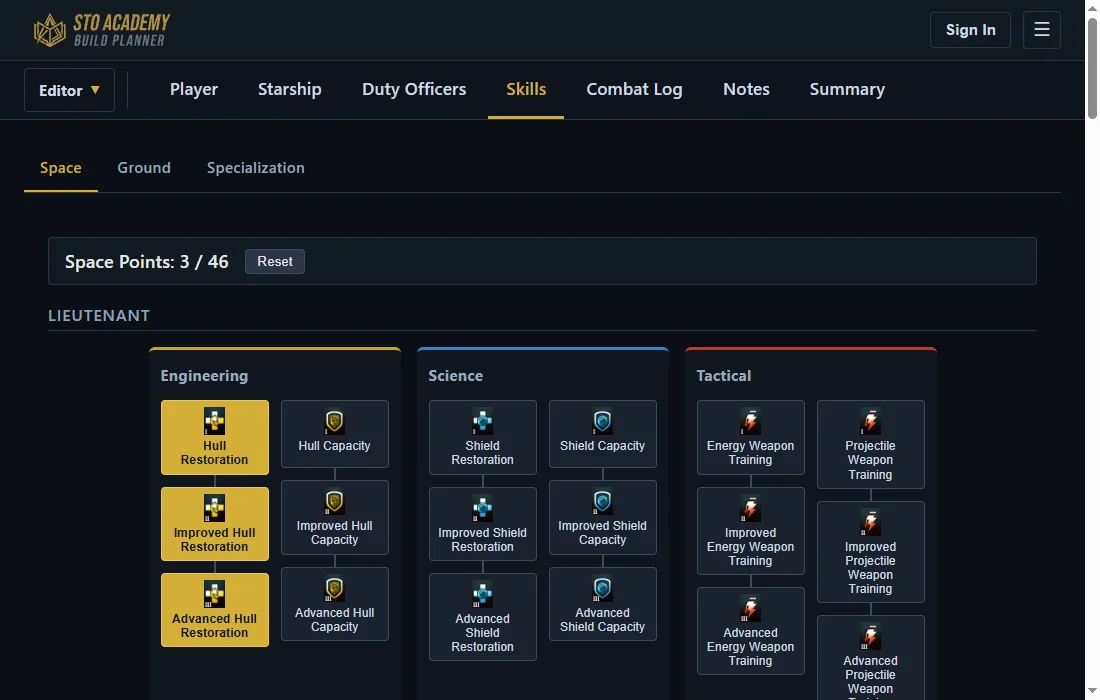
The Space and Ground skill trees are prerequisite chained: you need every skill between your current selections and the one you want, and enough points left to afford the whole chain at once. Specialization is its own separate tree.
Combat Log, Notes, and Summary
Combat Log lets you record a stat, DPS, HPS, and a full breakdown, against this build directly. See Using the Build Planner to Improve Your DPS for how to put that to use. Notes is a free text field for anything you want to remember about the build. Summary lays out everything you've picked in one place, useful for a final check before saving.
Saving and sharing
Without an account, save your build to a .stobuild file on your device and load it back in later, no limit on how many. Creating an account adds cloud save slots instead: every build you save to one gets a permanent link the moment you first save it, which you can load from any device you sign into. Toggle a saved build to public from My Builds to let anyone with the link view it read-only, or fork someone else's public build (Refit) as a starting point for your own.